Free HEIC to JPG Converter
Turn your iPhone HEIC photos into JPG files anyone can open — right in your browser, no upload or signup needed.
Accepts .heic,.heif · 100% browser-based · No signup needed
Drop HEIC files here
Processing...
Convert HEIC to JPG and Open Your iPhone Photos Anywhere
HEIC is Apple's default camera format, used automatically by every iPhone and iPad since iOS 11. It's efficient storage technology — a HEIC file is roughly half the size of an equivalent JPEG at the same visual quality. Apple devices handle the format natively. Everywhere else, it's a problem. Windows requires a separate paid codec to read HEIC files. Android phones can't open them without a third-party app. Most email clients render them as blank attachments. Photo printing services and web upload forms frequently reject HEIC outright. Converting photos to JPG fixes the compatibility gap once and for all. JPG is the universal image format — every device, operating system, browser, and platform opens it without any plugins or extras. This free tool does the conversion in your browser and your photos just work, wherever you need to send them. For HEIC photos that need a transparent background, the HEIC to PNG converter is the better pick. Sending iPhone photos as a document? Use the HEIC to PDF converter instead.
How to Convert HEIC to JPG in Seconds — No Software Needed
No account, no software to install, no upload queue. The HEIC to JPG conversion happens in your browser using JavaScript — your iPhone photos never leave your device.
Upload Your HEIC Photos to the Converter
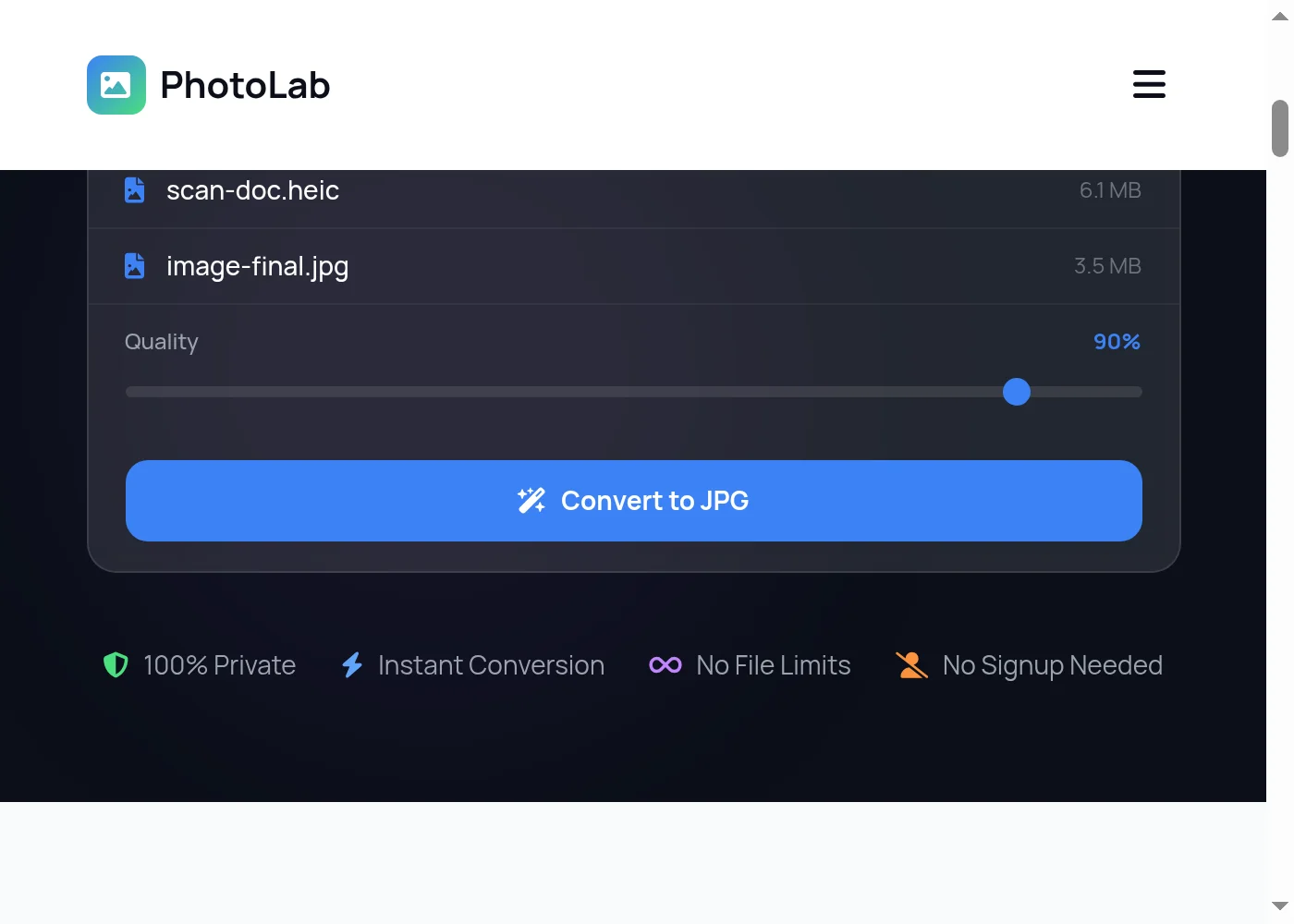
Drag and drop your HEIC or HEIF files onto the upload area, or click Convert Now to browse files on your device. The HEIC to JPG converter accepts both .heic and .heif extensions — drop multiple photos at once for batch conversion. Your iPhone photos load into the file list immediately, no upload queue needed.
Set Your JPG Quality and Start Converting
Use the quality slider to choose your output level before you convert HEIC to JPG. High settings (85–100%) give sharp, print-ready JPEG output. Lower settings (70–80%) produce smaller files for email, messaging apps, or web uploads. When your quality is set, click the Convert button. The HEIC to JPG conversion runs entirely in your browser and shows a progress bar as each file processes.
Download Your Converted JPG Files
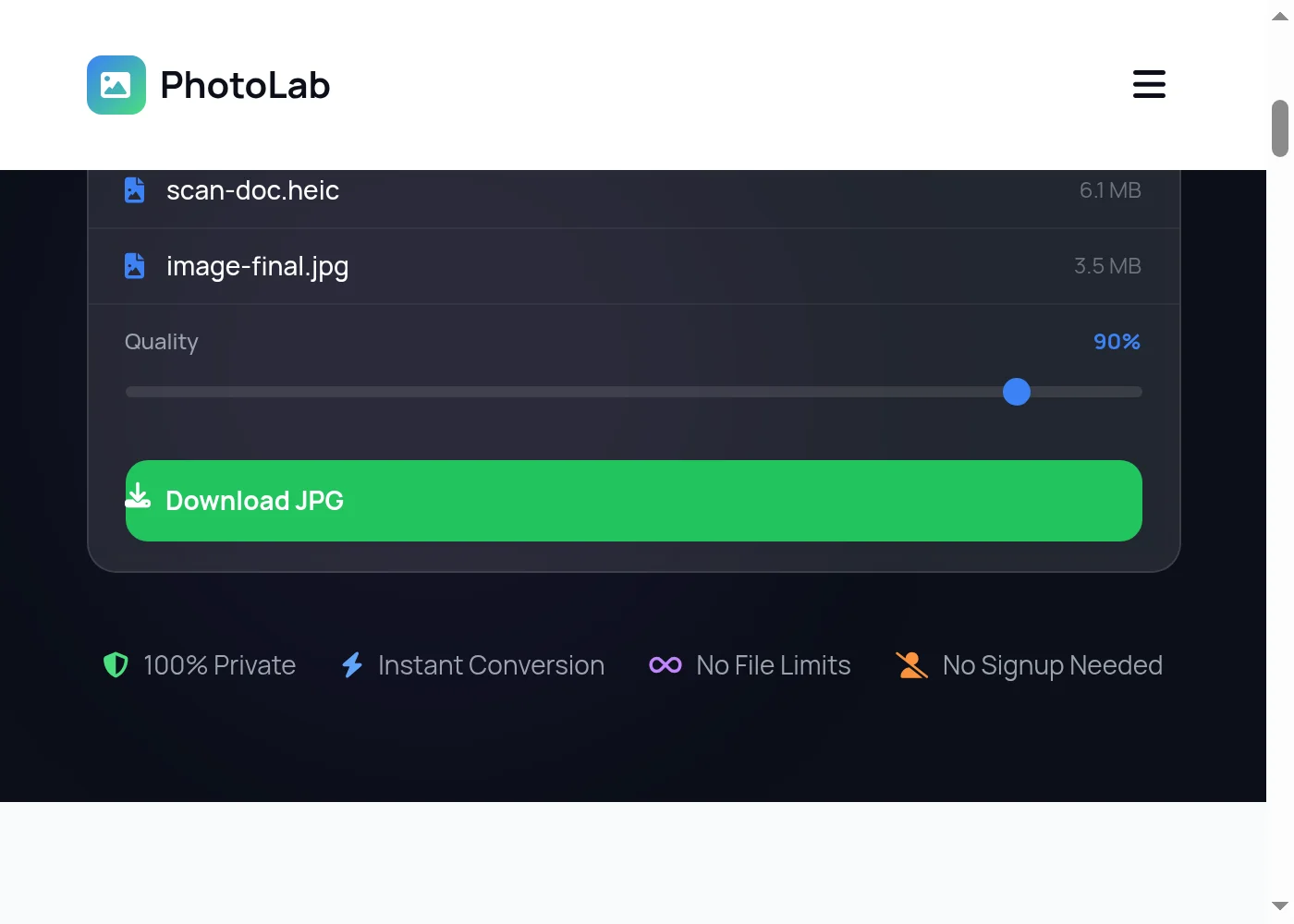
Once the HEIC to JPG conversion completes, click Download to save your JPEG files to your device. Each HEIC photo becomes its own JPG, named to match your original file. Nothing is sent to any server — your iPhone photos stay private throughout the entire process.

Fast, Private HEIC to JPG Conversion — Your Photos Never Leave Your Device
PhotoLab's HEIC to JPG converter processes everything locally inside your browser. No file gets uploaded to any server, no third party ever sees your iPhone photos. Drop a single shot or a full camera roll batch — the converter handles them all at once, producing one clean JPG file per HEIC photo. The quality slider gives direct control over the output. Push it to 100% for prints and archiving where file size doesn't matter, or dial it back to 70–80% when you need compact files for social media, email, or messaging apps. Both HEIC and HEIF file extensions work here, so regardless of which one your iPhone exports, the converter accepts it without any format guessing. For other image conversions, the TIFF to JPG converter handles scanner output and professional camera TIFFs. Need to convert in the other direction across formats? The full image converter hub lists every free tool available.
More Free Tools
HEIC to JPG — Frequently Asked Questions
How do I convert HEIC to JPG for free?
Why can't Windows open HEIC files from my iPhone?
Is this HEIC to JPG converter safe to use?
Can I batch convert HEIC to JPG all at once?
What JPG quality setting should I use when converting HEIC to JPG?
Does converting HEIC to JPG reduce quality?
Can I convert HEIC to JPG on my Android phone or Windows PC?
Can I convert JPG back to HEIC?
What is the difference between HEIC and HEIF?
How much smaller are HEIC files compared to JPG?
Does this HEIC to JPG converter work without an internet connection?
Which iPhones produce HEIC files?
Convert More HEIC Files — Always Free
Drop another file to convert instantly, or explore dozens of other free image and GIF tools on PhotoLab.