Free JPG to TIFF Converter
Convert your JPEG photos to lossless TIFF format instantly — batch support included, everything runs in your browser.
Accepts .jpg,.jpeg · 100% browser-based · No signup needed
Drop JPG files here
Processing...

Convert JPG to TIFF for Print, Professional Editing, and Archiving
JPG is everywhere — cameras, phones, websites, email. But it's lossy. Every resave chews through detail you can't get back. For casual snapshots, that trade-off is invisible. For print production, professional retouching, prepress workflows, or long-term archiving, you need a container that holds still. TIFF does that job. When you run a jpg to tiff conversion, you lock the current pixel data into a lossless format that printers, prepress operators, and design applications all understand natively. No further compression, no generation loss, no surprises at the print shop. One honest caveat: converting JPEG to TIFF doesn't recover detail that JPG compression already removed. The TIFF will be lossless from that pixel state forward — and that's exactly what matters for professional workflows. Photographers prepping files for large-format print, retouchers sending work to clients, archivists digitizing records — they all reach for a reliable jpg to tiff converter at the same moment. Need to go the other direction? The TIFF to JPG converter turns your existing TIFFs back into compact, shareable JPEGs in seconds. Working with PNG source files instead? The PNG to TIFF converter handles lossless-to-lossless conversion cleanly. Need a shareable document rather than an image file? Try the JPG to PDF converter to wrap multiple images into a portable document.
How to Convert JPG to TIFF Instantly — No Software Needed
No account, no software download, no upload queue. Your jpg to tiff conversion happens entirely in your browser using JavaScript — files never leave your machine.
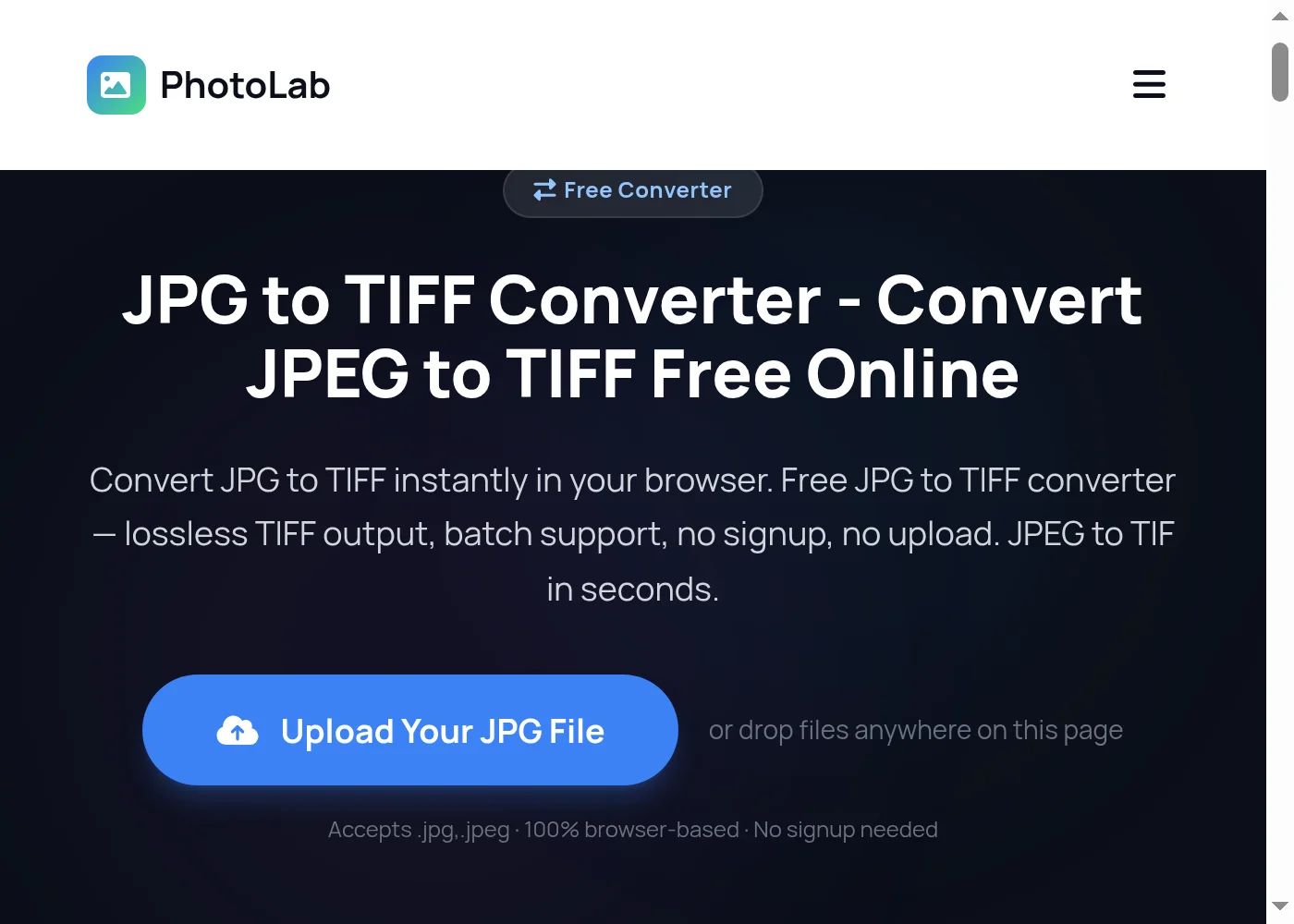
Upload Your JPG File to the JPG to TIFF Converter
Drag and drop your JPG or JPEG file onto the upload area, or click Convert Now to browse your device. The JPG to TIFF converter accepts both .jpg and .jpeg formats. Drop multiple files at once for batch conversion — no limit on how many files you add.
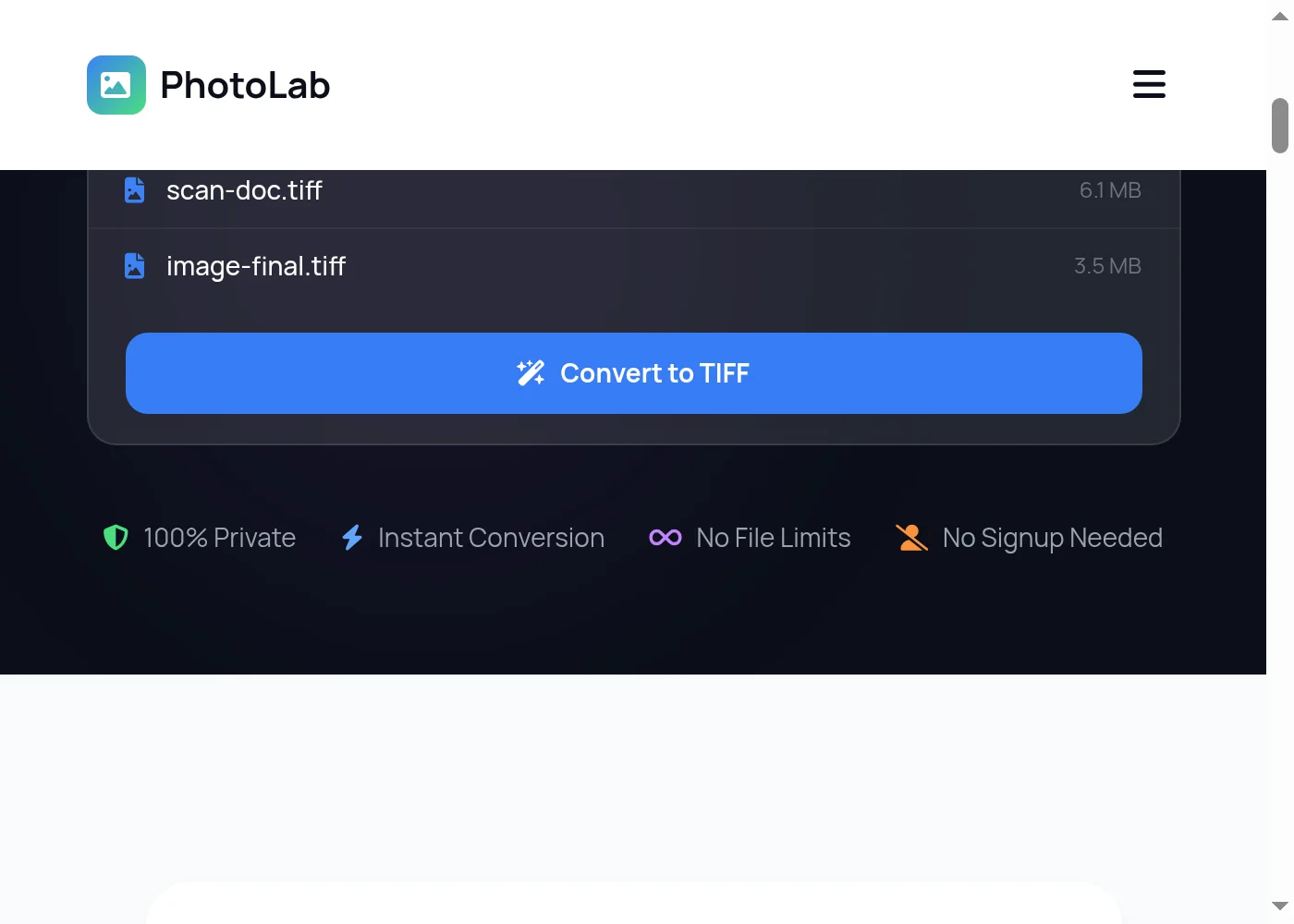
Review Your Files Before Converting JPG to TIFF
Selected files appear in the list with filename and size. Remove any you don't need before the JPG to TIFF conversion starts. TIFF output is always lossless — there's no quality slider to adjust. Click the blue Convert button when your file list is ready.
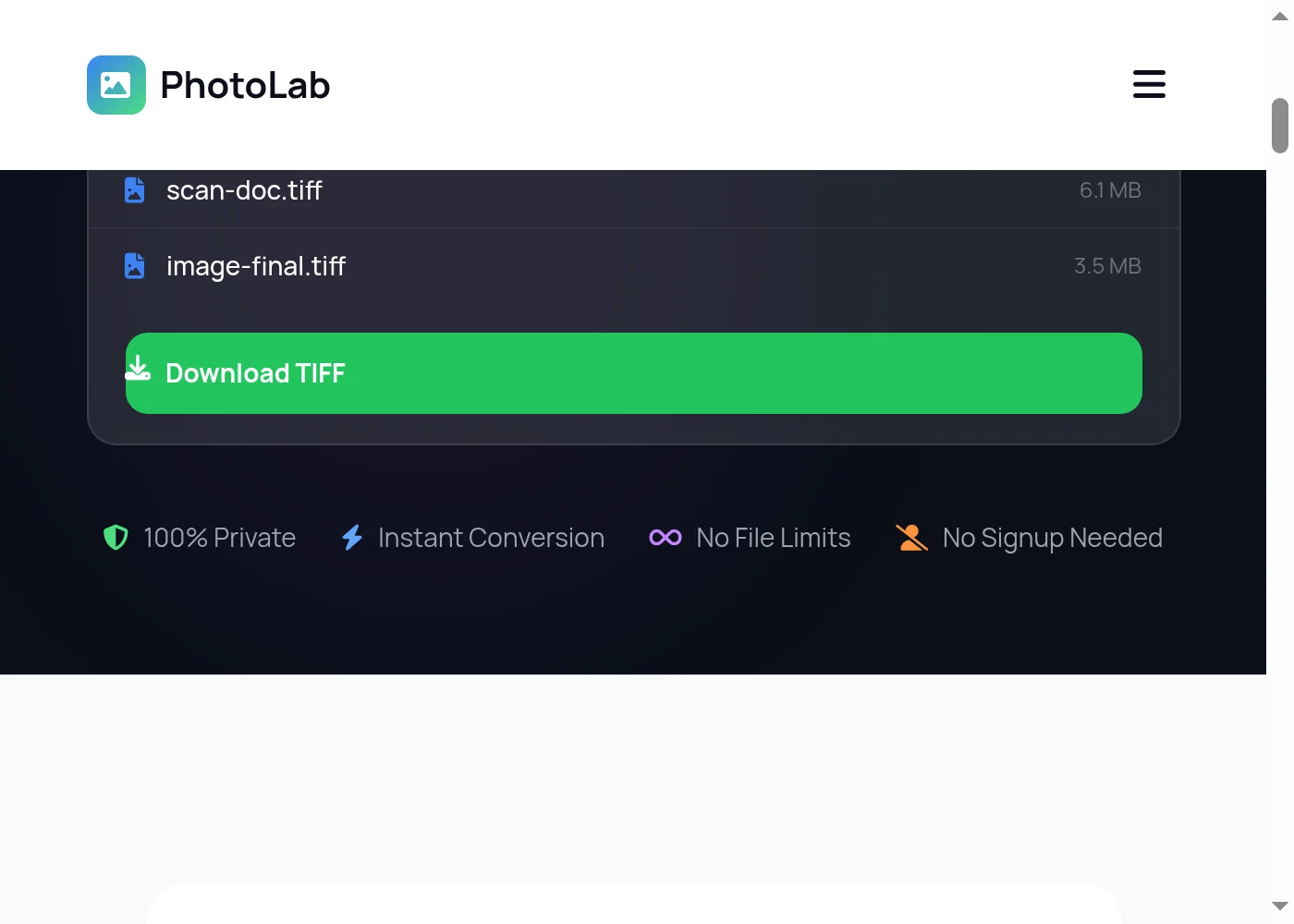
Download Your Converted TIFF Files
Once the conversion finishes, click Download to save your TIFF files. Each JPG produces one TIFF file, keeping the original filename with a .tif extension. Nothing is sent to any server — the entire jpg to tiff conversion runs locally in your browser and your images never leave your device.

Everything You Need in a Free JPG to TIFF Converter
PhotoLab runs the jpg to tiff conversion entirely on your device. Your images are never uploaded to a server — they go from your hard drive to a TIFF file without touching anyone else's infrastructure. That matters when you're converting client photos, licensed design assets, or sensitive documents. The converter uses UTIF.js to write proper uncompressed TIFF files that open immediately in Photoshop, Lightroom, GIMP, Illustrator, and professional prepress RIPs. Each JPEG becomes its own TIFF, keeping the original filename with a .tif extension added. Drop a folder of 30 product photos in and get 30 TIFF files back — batch jpg to tiff conversion without any per-file waiting. Works on Windows, macOS, Linux, iOS, and Android with no plugins or extensions. Already have TIFF files you need to share? The TIFF to PDF converter packages them into a universally readable document. The TIFF to JPG converter brings them back to web-friendly format when you're done editing. Starting from PNG instead of JPEG? The PNG to TIFF converter keeps every pixel intact through the entire conversion. And if you need to bundle multiple JPEGs into a single file, the JPG to PDF tool wraps them into one clean, shareable document.
More Free Tools
JPG to TIFF — Frequently Asked Questions
How do I convert JPG to TIFF for free?
Is this JPG to TIFF converter safe to use?
Will converting JPG to TIFF improve image quality?
Can I batch convert JPEG to TIFF files at once?
Why is the output TIFF file so much bigger than the original JPG?
What software can open TIFF files after I convert JPG to TIFF?
What is the difference between TIFF and TIF file extensions?
Does this work as a JPEG to TIF converter too?
Can I convert JPG to TIFF on my phone or iPad?
Does converting to TIFF help with printing?
Does this JPG to TIFF converter work offline?
Can I convert multiple JPG files to a single multi-page TIFF?
Convert More JPG Files — Always Free
Drop another file to convert instantly, or explore dozens of other free image and GIF tools on PhotoLab.