Free PNG to TIFF Converter
Convert PNG images to TIFF with full transparency preserved — batch support, no signup, runs entirely in your browser.
Accepts .png · 100% browser-based · No signup needed
Drop PNG files here
Processing...

Convert PNG to TIFF When Quality and Compatibility Both Matter
PNG is the web standard for lossless images with transparency. TIFF is the professional standard for print, archival, GIS data, and CAD workflows. The gap between those two worlds is exactly where this free PNG to TIFF converter fits. Prepress shops require TIFF deliverables. Geographic information systems like ArcGIS and QGIS ingest georeferenced TIFFs. Print-on-demand services won't accept PNG for high-resolution artwork. Archivists and digital preservation workflows mandate TIFF for long-term storage. And many RAW processing pipelines — Photoshop, Lightroom, Capture One — treat TIFF as the intermediate format of choice. Converting your PNG to TIFF gets you into all of those environments without ripping through third-party software or cloud uploaders. The alpha channel in your PNG doesn't vanish either — the PNG to TIFF converter writes full RGBA data so transparency information survives intact. Need the reverse? The TIFF to PNG converter handles that. Working with JPG sources? JPG to TIFF is one click away.
How to Convert PNG to TIFF in Seconds — No Software Needed
No account, no software download, no server upload. The PNG to TIFF conversion runs in your browser — your files never leave your machine.
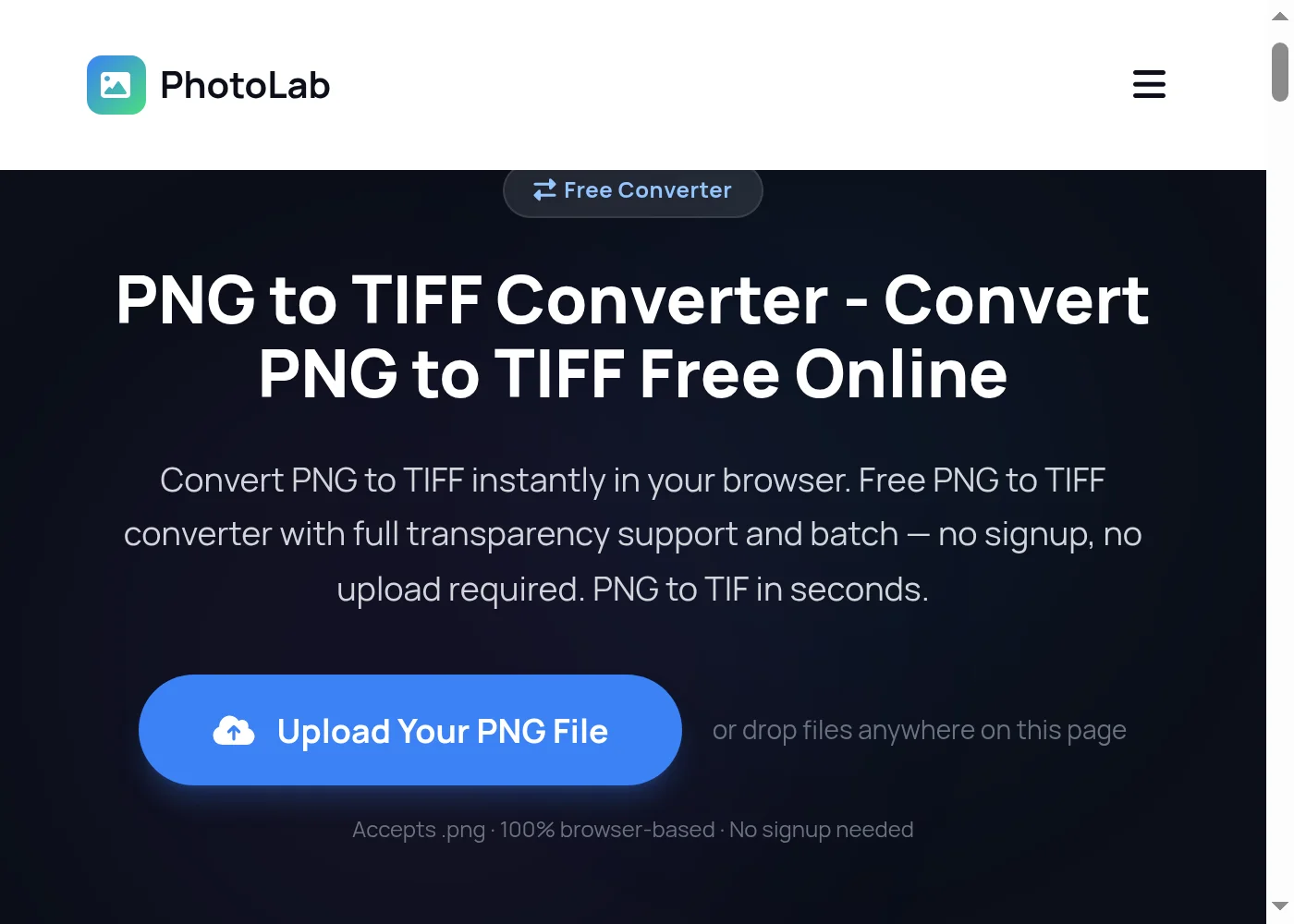
Upload Your PNG File to the PNG to TIFF Converter
Drag your PNG file onto the upload area, or click Convert Now to open the file picker. The PNG to TIFF converter accepts single or multiple PNG files at once — drop a whole batch and convert them all in one go. Transparent PNGs work too; the alpha channel carries over to TIFF automatically.
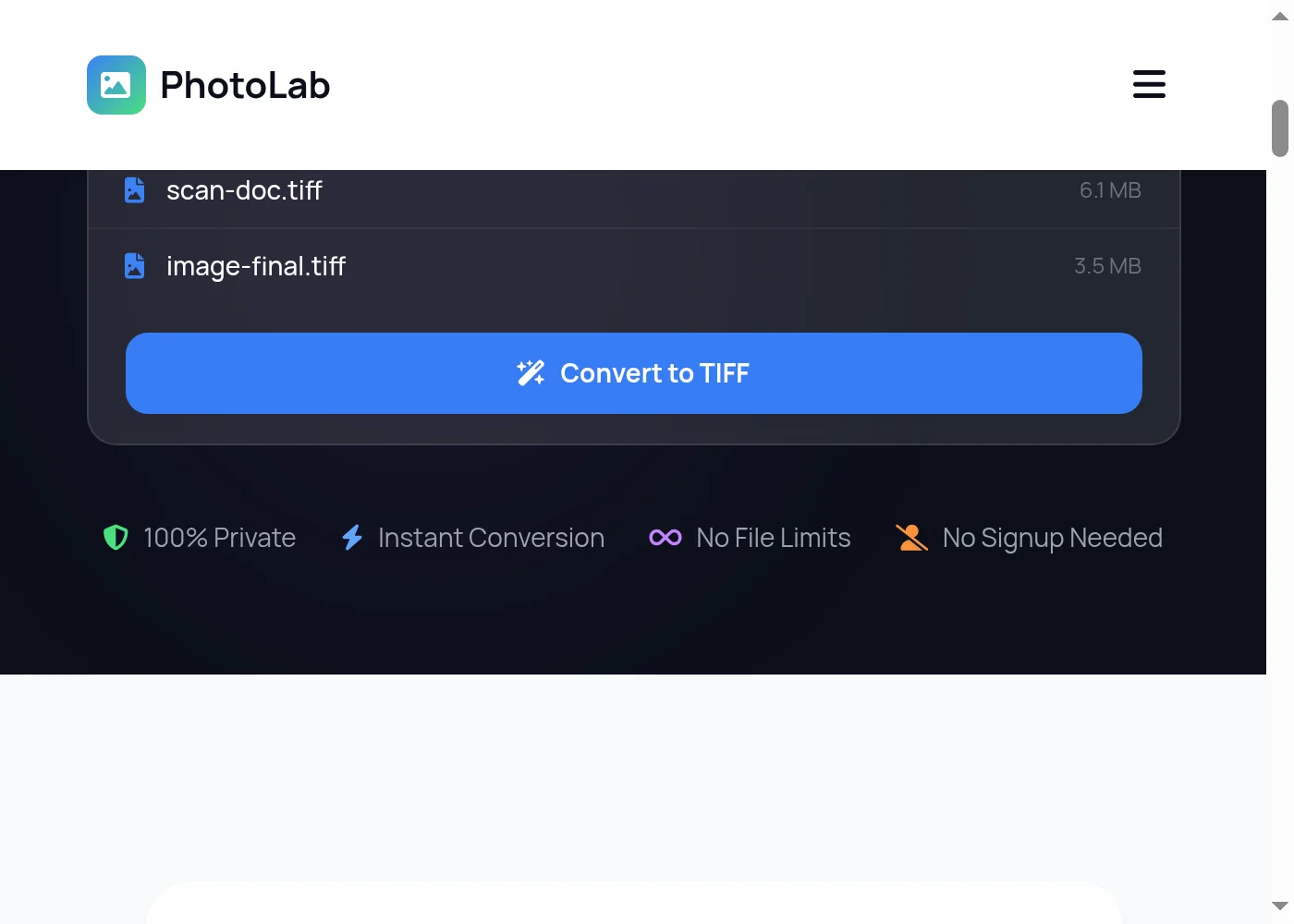
Start the PNG to TIFF Conversion
Click the blue Convert button. The PNG to TIFF conversion runs entirely in your browser using JavaScript — nothing is sent to any server. For transparent PNGs, the converter writes full RGBA data into the TIFF output, so no transparency information is lost.
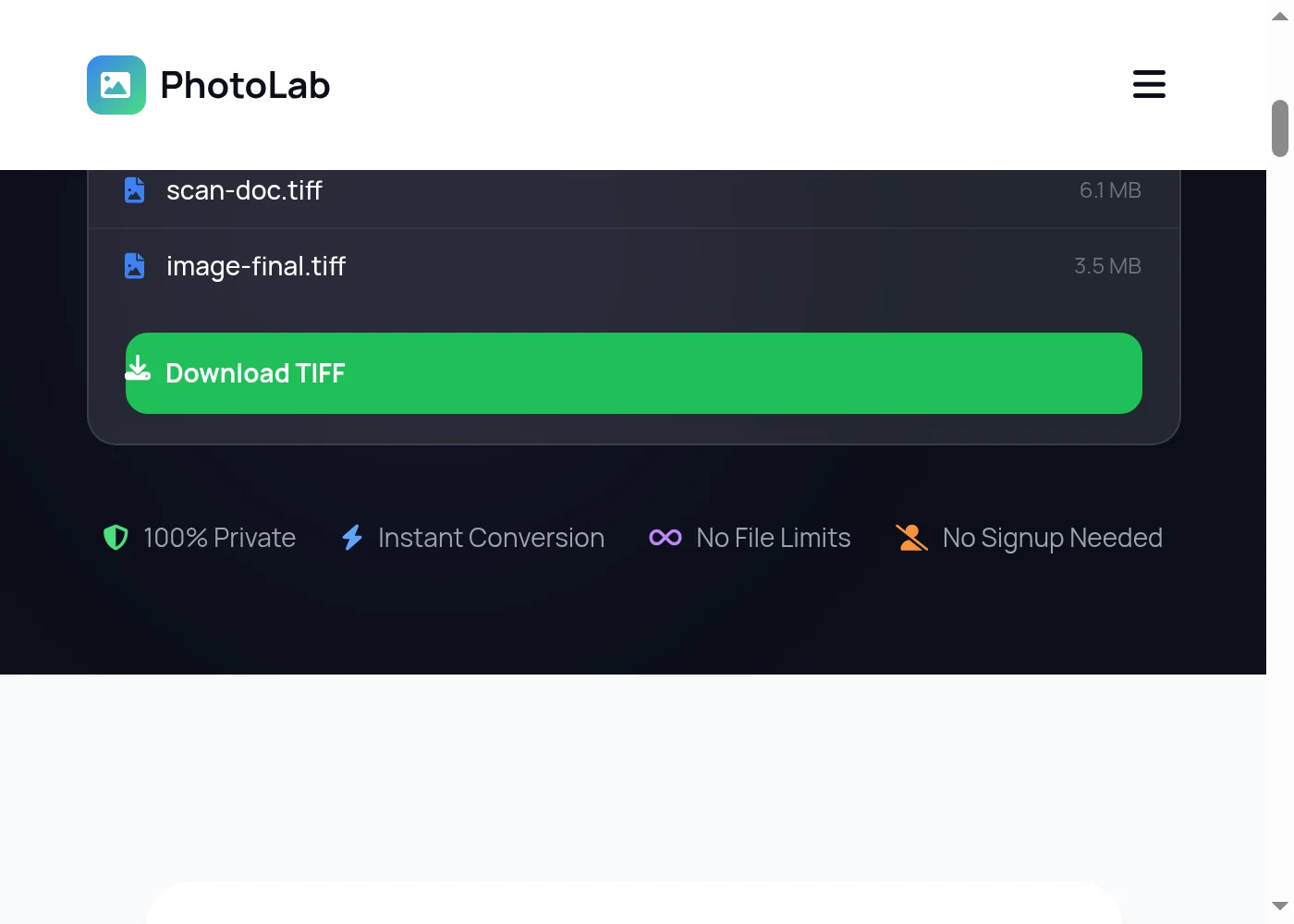
Download Your TIFF Files
Once the PNG to TIFF conversion finishes, click Download to save your TIFF files to your device. Each PNG becomes its own TIF file, named to match the original. Your source PNG files stay untouched on your machine — only the new TIFF output is saved.

Keep Every Pixel When You Convert PNG to TIFF — No Quality Loss
PhotoLab's PNG to TIFF converter runs 100% in your browser. There's no upload queue, no cloud processing, no file size cap, and nothing stored on any server. Your images stay on your own device from start to finish. The converter preserves the full bit depth of your PNG — 8-bit RGB and RGBA PNGs come out as proper TIFF files with matching color fidelity. Alpha channels aren't flattened or dropped; they write directly into the TIFF RGBA structure so transparent areas stay transparent when the TIFF opens in Photoshop, GIMP, or any professional image editor. Batch convert an entire folder of PNGs at once without uploading each one separately. Files process in parallel so even large batches move quickly. The output uses the .tif extension and standard TIFF encoding, compatible with virtually every desktop application that reads raster images. If you need to send those images further along the pipeline, the TIFF to PDF converter packages them for print or email. For documents that started as PNG, PNG to PDF is a faster route. And if you end up needing to drop back to a compressed format, TIFF to JPG handles the lossy export side.
More Free Tools
PNG to TIFF — Frequently Asked Questions
How do I convert PNG to TIFF for free?
Does this PNG to TIFF converter preserve transparency?
Is the PNG to TIFF converter safe to use?
Can I batch convert PNG to TIFF files all at once?
Why would I convert PNG to TIFF instead of keeping the PNG?
Does converting PNG to TIFF reduce image quality?
What is the difference between PNG and TIFF?
Can I convert PNG to TIF format on a Mac or iPhone?
Will the TIFF file open in Photoshop after converting from PNG?
How large will my TIFF file be compared to the original PNG?
Can I use this PNG to TIFF converter for GIS or geospatial files?
Does this PNG to TIFF converter work offline?
Convert More PNG Files — Always Free
Drop another file to convert instantly, or explore dozens of other free image and GIF tools on PhotoLab.