Free RAW to JPG Converter
Convert camera RAW files to JPG instantly in your browser — CR2, NEF, ARW, DNG, ORF, RAF and more. No upload, no signup, 100% free.
Accepts .cr2,.nef,.arw,.orf,.raf,.dng,.rw2,.raw,.srw,.pef,.x3f · 100% browser-based · No signup needed
Drop RAW files here
Processing...

Convert RAW to JPG When Your Camera Files Won't Open Anywhere
Camera RAW files — CR2 from Canon, NEF from Nikon, ARW from Sony, ORF from Olympus, RAF from Fuji — pack everything your sensor captured, unprocessed. Photographers love RAW for that reason. Everyone else struggles to open it. You shoot a birthday, a road trip, a weekend hike. Come home with hundreds of files. Your family wants to see the photos. Try to send one — the recipient has no idea how to open it. That's exactly what raw to jpg conversion fixes. Convert raw to jpg and the file opens on any device: iPhone, Windows, any browser, Instagram, WhatsApp, email. JPG is universal. RAW is not. This raw to jpg converter runs entirely in your browser. No Lightroom subscription. No Photoshop. No uploads to anyone's server. Drop your raw file in, set a quality level, download your JPG. Takes seconds. Have HEIC files from your iPhone too? The HEIC to JPG converter handles those. Working with TIFF exports? Use the TIFF to JPG converter. Need to go the other direction? The JPG to TIFF converter is there. Raw to jpg doesn't replace your originals — it makes shareable copies normal people can actually open.
How to Convert RAW to JPG in Seconds — No Software Needed
No account, no software download, no upload queue. Raw to jpg conversion happens right in your browser using JavaScript — your files never leave your machine.
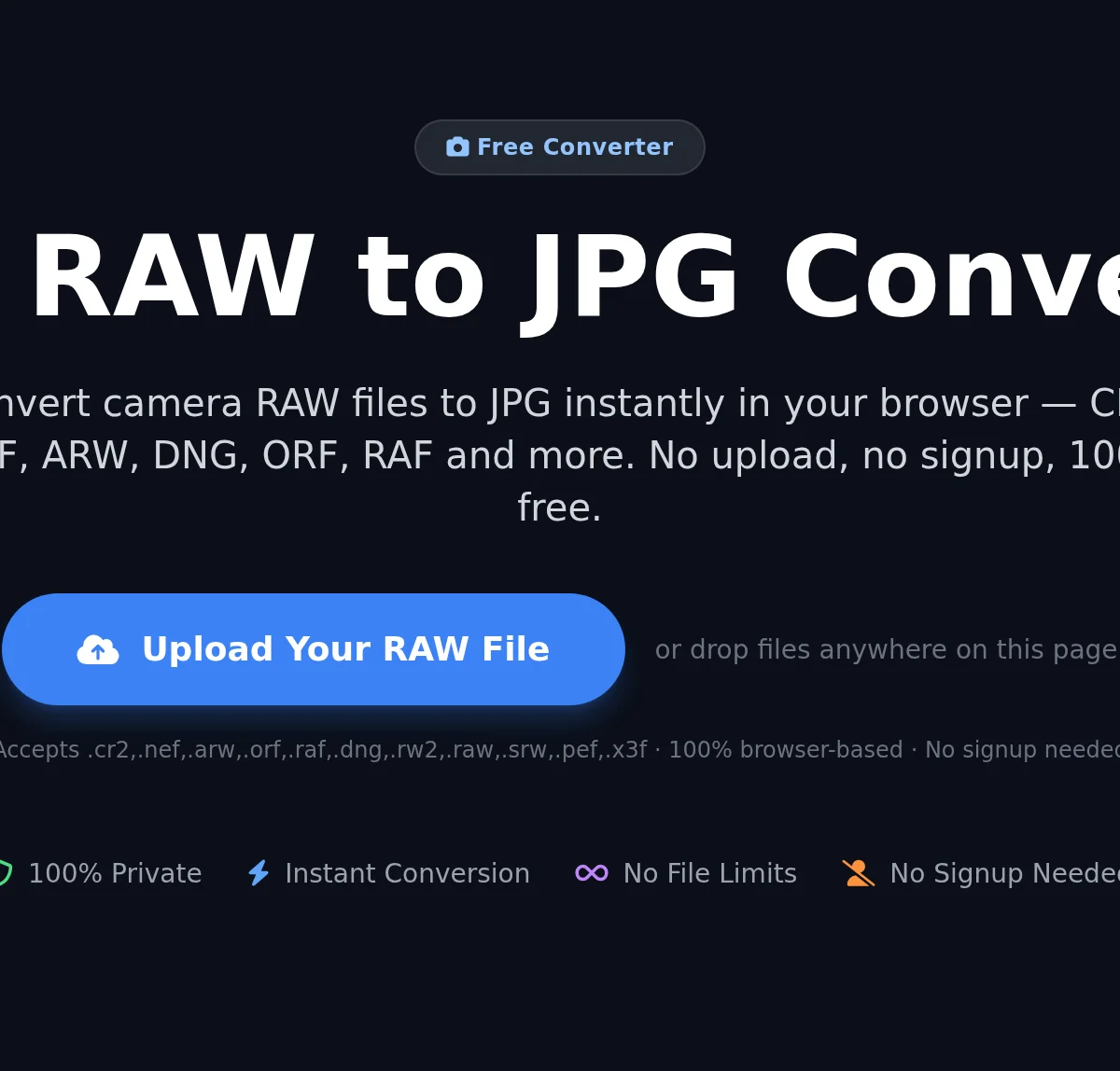
Upload Your RAW File to the RAW to JPG Converter
Drag and drop your RAW file onto the upload area, or click 'Convert Now' to browse your device. This raw to jpg converter accepts CR2, NEF, ARW, ORF, RAF, DNG, RW2, SRW, PEF, X3F, and .raw files — drop multiple files at once for batch raw to jpg conversion.
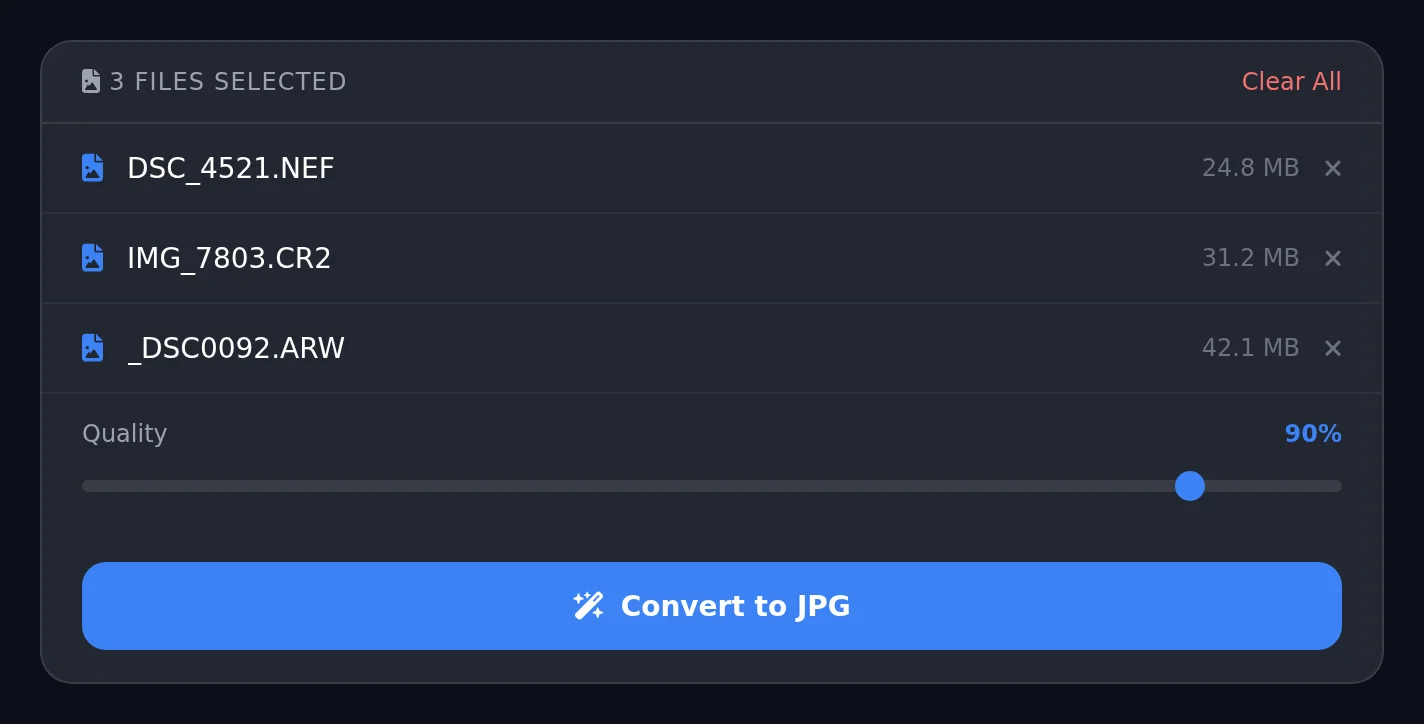
Set JPG Quality for Your RAW to JPG Output
Use the quality slider to choose your output setting. Higher quality preserves more detail from your raw to jpg conversion but creates a larger file. Lower quality compresses more — useful for web uploads and social sharing. Click Convert to run the raw to jpg conversion in your browser.
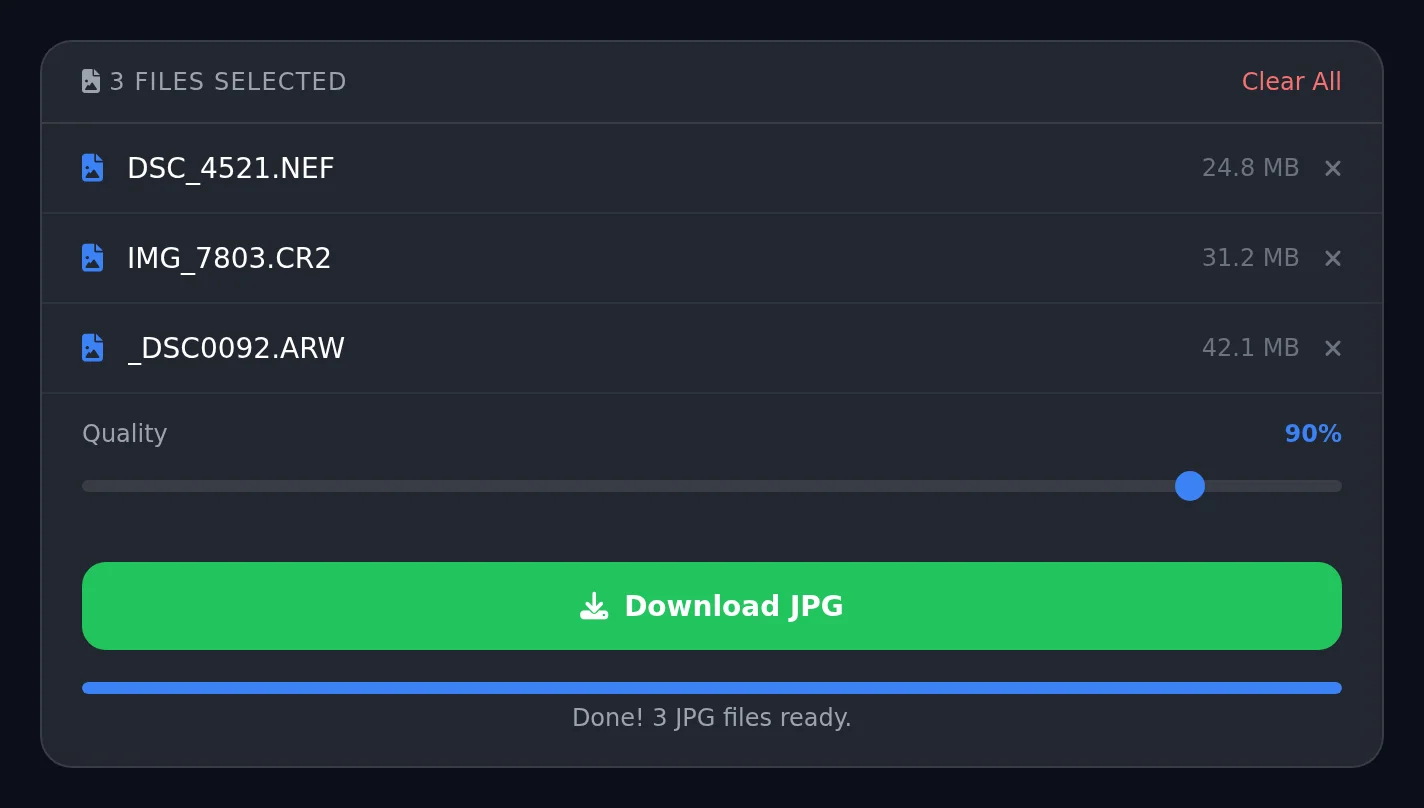
Download Your Converted JPG Files
Once the raw to jpg conversion finishes, click Download to save your JPEG files. Each RAW file converts to one JPG. Nothing leaves your machine — this raw to jpg converter runs entirely in your browser, so your photos stay completely private.
What This RAW to JPG Converter Gets Right
Most raw to jpg converters upload your photos to a cloud server, or cost money. This one does neither. The raw to jpg conversion runs entirely in your browser — your files never leave your device. Not to our servers, not anywhere. That matters when you're converting personal photos, client work, or anything you'd rather keep private. This raw to jpg converter extracts the full-resolution JPEG preview that every modern camera bakes into its RAW files. Canon, Nikon, Sony, Fuji, Olympus — they all include it. The raw to jpg process pulls it out, applies your chosen quality setting, and delivers a clean JPG. No cloud round-trip. No waiting. Batch mode: drop an entire shoot and convert raw to jpg for every file at once. Each file becomes its own named JPG. Quality slider runs from 70% to 100% — high for printing, lower for fast web uploads. Need more format options? The image converter handles dozens of combinations. PNG files? The PNG to TIFF converter works the same way — local, no uploads. iPhone photos alongside your camera? The HEIC to JPG converter covers those so everything matches.
More Free Tools
RAW to JPG — Frequently Asked Questions
How do I convert RAW to JPG for free?
Is this RAW to JPG converter safe to use?
Which RAW file formats does this converter support?
Can I batch convert RAW to JPG files at once?
What JPG quality should I use when converting RAW to JPG?
Does converting RAW to JPG lose quality?
What is the difference between RAW and JPG?
Can I convert CR2 to JPG with this tool?
Can I convert NEF to JPG online free?
How do I convert Sony ARW to JPG?
Why can't I open a RAW file on my phone or computer?
Does this RAW to JPG converter work on iPhone or Android?
Convert More RAW Files — Always Free
Drop another file to convert instantly, or explore dozens of other free image and GIF tools on PhotoLab.