Free Converter

Free TIFF to JPG Converter

Convert TIFF images to JPG with adjustable quality — batch support, no upload to any server, everything stays on your device.

or drop files anywhere on this page

Accepts .tiff,.tif · 100% browser-based · No signup needed

100% Private
Instant Conversion
No File Limits
No Signup Needed
Use cases for converting TIFF to JPG online

Convert TIFF to JPG When Your Files Need to Go Anywhere

TIFF files pack incredible detail — lossless compression, 16-bit color depth, and sometimes dozens of pages in a single file. Great for storage. Terrible for sharing. Phones, websites, email clients, and social platforms all expect JPG. When you convert TIFF to JPG, you unlock files that actually open anywhere, without special software. Photographers moving camera scans to web galleries, designers handing off assets to clients, archivists distributing scanned records — they all hit the same wall. This free TIFF to JPG converter removes it. Need other formats too? The TIFF to PDF converter makes scans printable and shareable. For images needing transparency, use TIFF to PNG instead. Going the other way? The JPG to TIFF converter restores lossless quality for professional editing.

Camera and scanner TIFF photos
Photoshop and Lightroom exports
Scanned documents and artwork
Medical and technical imaging files
Graphics for web and social media
Archival scans needing distribution
Convert Now

How to Convert TIFF to JPG in Seconds — No Software Needed

No account, no software download, no upload queue. The TIFF to JPG conversion happens right in your browser using JavaScript — your files never leave your machine.
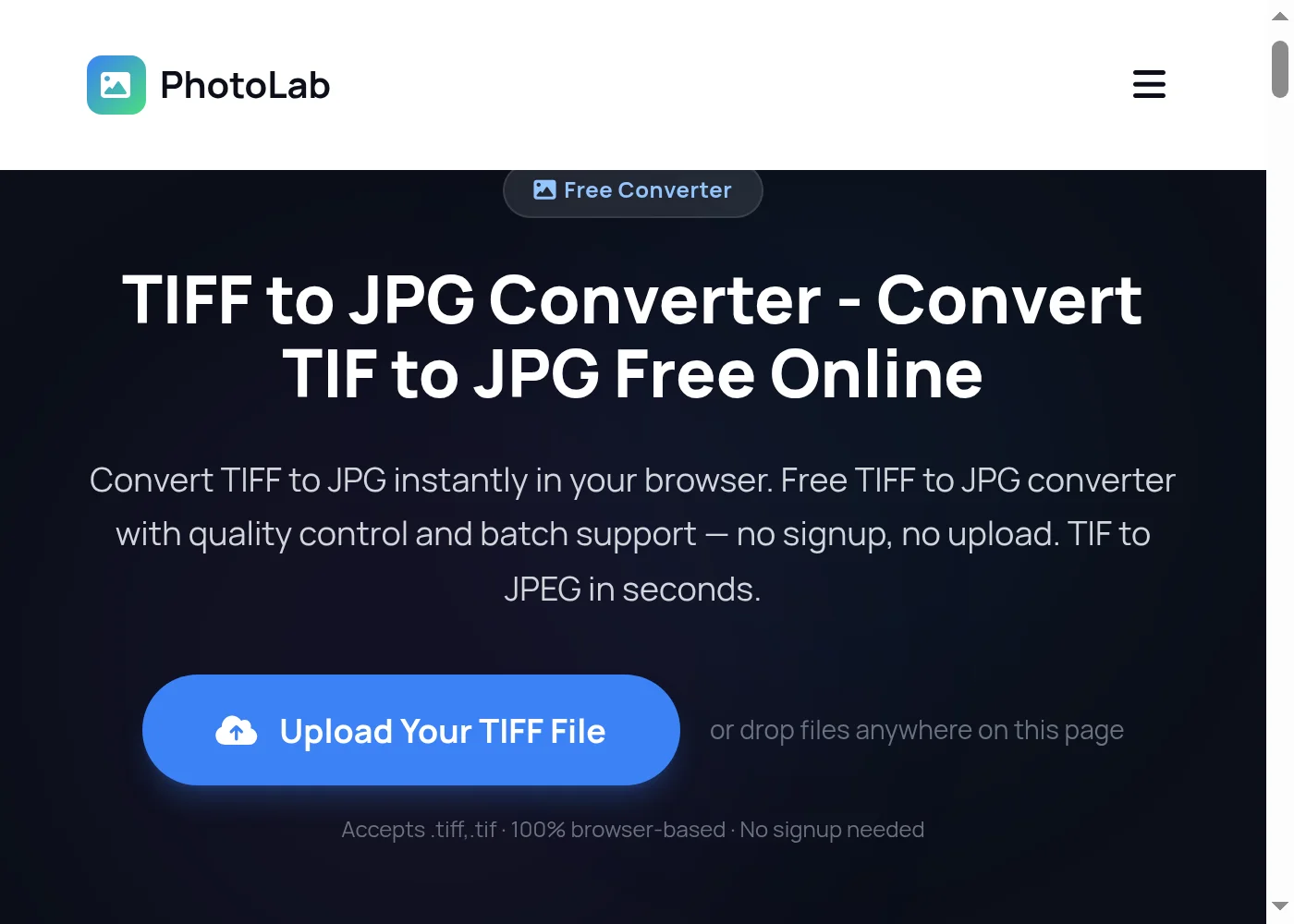
Step-by-step TIFF to JPG conversion guide - Step 1
1

Upload Your TIFF File to the Converter

Drag and drop your TIFF or TIF file onto the upload area, or click 'Convert Now' to browse your device. The TIFF to JPG converter accepts both .tiff and .tif formats — drop multiple files at once for batch conversion.
You can also drag files directly onto the page from anywhere on your screen.
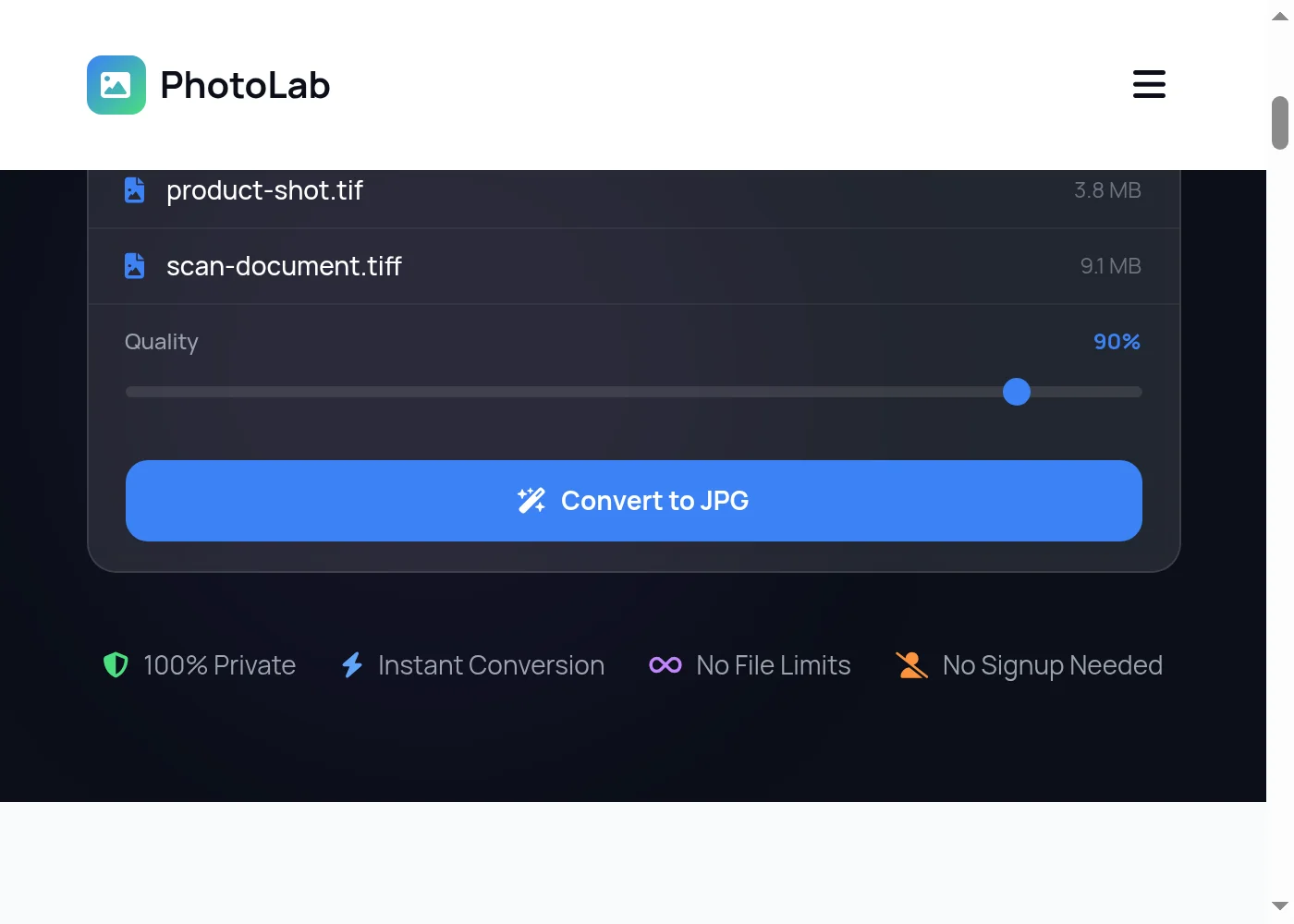
Step-by-step TIFF to JPG conversion guide - Step 2
2

Set JPG Quality and Start Conversion

Use the quality slider to choose your output setting. Higher quality means sharper TIFF to JPG output but larger file size. Lower settings compress more — useful when you need small JPEGs for email or web. Click the blue Convert button to start the TIFF to JPG conversion in your browser.
90% quality is a solid default for most TIFF to JPG conversions — crisp output without bloated file sizes.
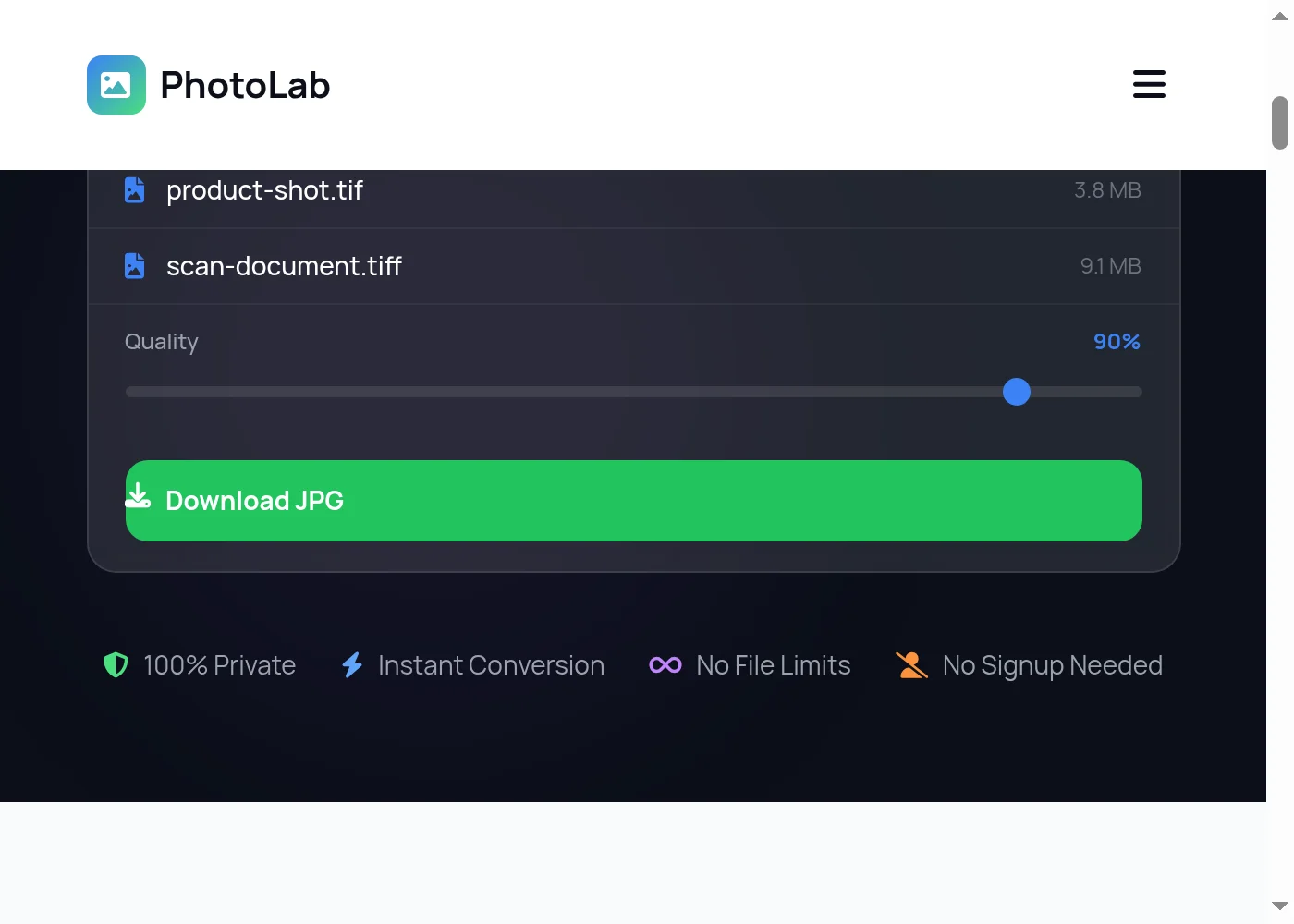
Step-by-step TIFF to JPG conversion guide - Step 3
3

Download Your JPG Files

Once the TIFF to JPG conversion finishes, click Download to save your JPEG files. Multi-page TIF files produce one JPG per page, all packaged and ready to download. Nothing is sent to any server — your TIFF to JPG conversion runs entirely on your own device.
TIFF to JPG converter features — quality control, privacy, batch conversion

Get Full-Quality JPG Output Every Time You Convert TIFF to JPG

PhotoLab processes your TIFF to JPG conversion entirely in your browser. No upload, no cloud processing, no third-party ever sees your files. The quality slider gives you direct control — push it to maximum for print-ready JPEGs, or dial it back to compress for web. Multi-page TIFF files come out as separate JPG files, one per page, so you can work with each image independently. The converter handles both standard TIFF and the compressed TIF variant, including files from flatbed scanners, DSLR cameras, and design software. Batch convert a folder of TIFFs without waiting for them to process one at a time. Want even smaller files? Use the TIFF to WebP converter — WebP cuts sizes further than JPG. Need lossless web output? Use TIFF to PNG for zero quality loss. Have iPhone photos in HEIC? The HEIC to JPG converter handles those directly. And if you receive JPGs that need to go back to lossless, the JPG to TIFF tool has you covered.

Adjustable JPG quality slider
100% browser-based — no uploads
Multi-page TIFF support
Batch TIFF to JPG conversion
Works on phone, tablet, desktop
No file size limits
Convert Your Files — Free

TIFF to JPG — Frequently Asked Questions

How do I convert TIFF to JPG for free?

Use the free TIFF to JPG converter at the top of this page. Drag your TIFF file onto the upload area or click Convert Now, adjust the quality if needed, then click Convert. Your JPG downloads directly to your device — no account, no payment, no signup required.

Is this TIFF to JPG converter safe to use?

Yes. PhotoLab's TIFF to JPG converter runs entirely in your browser using JavaScript. Your TIFF files are never uploaded to any server and are never stored anywhere outside your own device. The conversion happens locally — your images stay private from start to finish.

Can I batch convert TIF to JPG files at once?

Yes. The TIF to JPG converter supports batch conversion — select multiple TIFF or TIF files at once and each one gets converted to a separate JPG. Download them individually after the conversion completes.

What JPG quality setting should I use when converting TIFF to JPG?

For most TIFF to JPG conversions, 85–90% quality gives excellent results with reasonable file sizes. Use 95–100% for print work or when file size doesn't matter. Drop to 70–80% for web images and email attachments where you want smaller files. The quality slider shows you the tradeoff in real time.

Does converting TIFF to JPG lose quality?

JPG uses lossy compression, so some information is discarded compared to the lossless TIFF source. Every TIFF to JPG converter works this way — it is inherent to the JPG format, not the tool. At high quality settings (90%+) the difference is invisible to most eyes. For images that need to stay lossless, use TIFF to PNG instead — PNG keeps every pixel exactly as it was in the original TIFF file.

How do I convert a multi-page TIFF file to JPG?

Multi-page TIFF files are fully supported. Upload your multi-page TIF file and the TIFF to JPG converter will produce one separate JPG for each page, maintaining the original page order. All the JPG files become available to download once conversion finishes.

What is the best TIFF to JPG converter online?

A good TIFF to JPG converter should run locally in your browser without uploading files, support multi-page TIFFs, offer quality control, and work on any device. PhotoLab does all of that — free, no account, and your files never leave your machine.

Can I convert TIFF to JPEG on my phone or iPad?

Yes. This TIFF to JPEG converter works on any device with a modern browser — iPhone, Android, iPad, or desktop. No app installation needed. Open the page in Safari or Chrome, drop your file, and download your JPG.

What is the difference between TIFF and TIF?

TIFF and TIF are the same image format. TIF is just the three-letter version of the file extension used by older Windows systems that required short filenames. Both .tiff and .tif files work identically in this converter.

Why is my TIFF file so much larger than a JPG?

TIFF uses lossless compression — it stores every bit of color data in every pixel, plus metadata, and sometimes multiple layers or pages. JPG discards some detail to dramatically reduce file size. A typical TIFF from a DSLR might be 50–100 MB; the same image as a JPG at 90% quality might be 5–10 MB.

Can I convert TIFF to JPG without losing the original file?

Yes. The TIFF to JPG converter creates a new JPG file as a download — it does not modify your original TIFF in any way. Your source file stays exactly as it was on your device. You keep both the original TIFF and the converted JPG.

Does this TIFF to JPG converter work without an internet connection?

Once the page has loaded in your browser, the TIFF to JPG conversion itself does not require an active internet connection — all processing runs locally. The initial page load requires internet access to download the JavaScript conversion code.

Convert More TIFF Files — Always Free

Drop another file to convert instantly, or explore dozens of other free image and GIF tools on PhotoLab.

Free Online Image Tools →